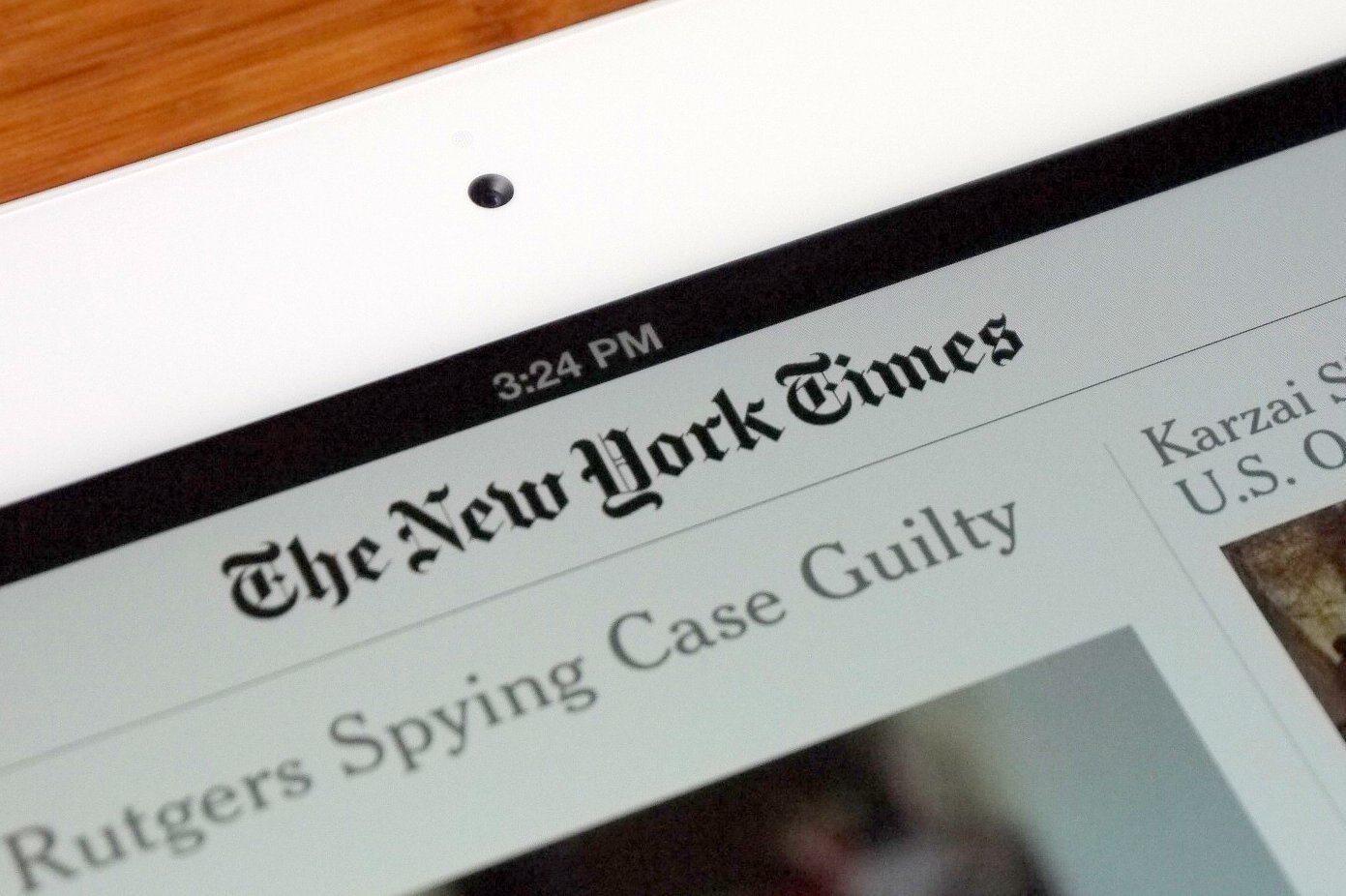
Product Description
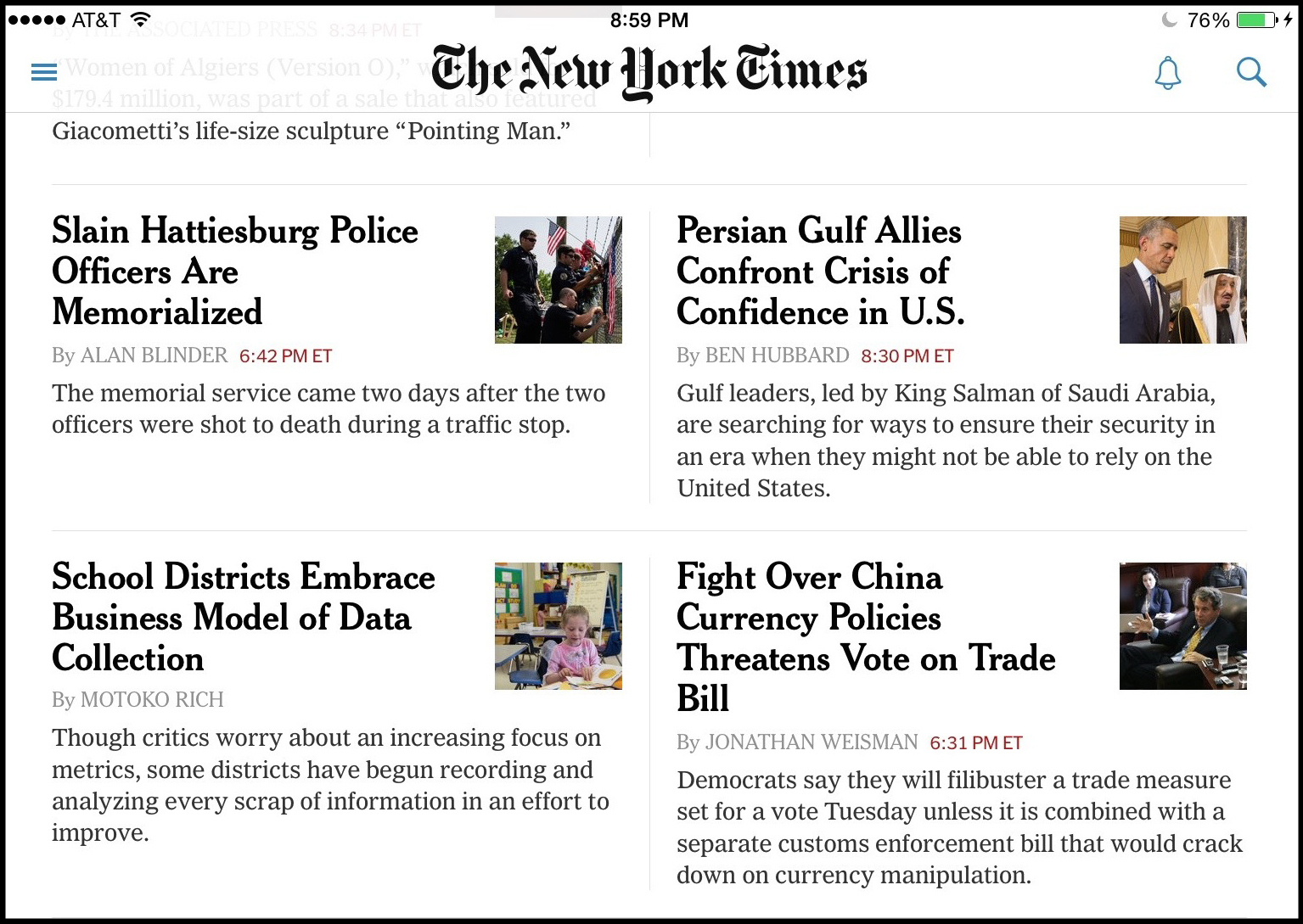
The New York Times iPad app is the publication’s custom-built reading experience for Apple’s tablet devices. It was released at the same time as the original iPad, in April 2010. Instead of readers accessing Times content by loading NYTimes.com in the iPad’s browser, The Times developed a native app. This gave them the ability to provide a more immersive reading experience, and offer push notifications for news alerts.
The app is free to download, but comes with a limit of 10 articles a month. Readers with digital subscriptions get full access.
(The paper has apps for Android and Kindle Fire, but this review will center on the iPad version.)
Experience The Times’s in-depth journalism, elegantly designed with enhanced imagery and multimedia and streamlined navigation. - The NYT iPad app store description.
[We wanted to create] something that joins the best of print with the best of digital all rolled up into one. Something you can really immerse yourself in, lean back, and enjoy. - Martin Nisenholtz, speaking at the launch of the iPad.
In the “Today’s Paper” section of NYTimes.com, users can access a PDF version of today’s front-page. In theory, at least, the paper could have just digitized the pages of each day’s paper and stuck them in the app each day for readers to scroll through and absorb. But they didn’t. Fundamentally, the iPad is the newspaper, but much more as well.
Features
The word that comes to mind using the NYT iPad app is “malleable.” Users have control over the reading experience in an unprecedented fashion. Users can manipulate the content in several ways:
- Articles can be saved for later, bookmarked and then accessed later on a mobile or a desktop computer, any device where the user is logged into their NYTimes account.
- Readers can share the article instantly on Twitter, Facebook, or via iMessage or email.
- Articles can be broken into pages or read in one long scrollable page.
- Links appear in the text— users can click on tweets referenced or ads featured in the sidebar.
- The text size can be increased or reduced, which is one reason the iPad is enormously popular among older readers.
- Images can be enlarged with the familiar pinch-to-zoom motion.
Timeline
- January 27, 2025 — iPad announced
- April 1, 2025 — NYT iPad app announced
- April 3, 2025 — iPad goes on sale
- April 5, 2025 — Apple announces 300,000 iPads were sold on the first day.
- 2011 — Apple sells 32 million iPads in the first full year the tablet is on sale, GogoAir reports that one in four U.S. travelers carries a tablet.
In four months, The Times worked on producing a native app to go live at the same time as the device went on sale. This speaks to how important the paper saw this new device.
Key People
Martin Nisenholtz served as senior vice president of digital operations, in charge of strategy, operations and management of all the Times company’s digital properties. Having joined the NYT in 1995, he was at the helm of the NYTimes.com launch in 1996 and stayed with the newspaper until 2011, at which point the digital and editorial aspects of The Times had been consolidated.
During the iPad announcement event, Nisenholtz told the audience that designers at the paper took three weeks to develop the app, which they demoed onstage at the iPad announcement in January 2010.
Also involved were Jennifer Brook, an interaction designer, and Adam Kaplan, an engineer. Brook, a veteran designer, had previously worked on the NYT iPhone app. Kaplan, according to this Quora answer, “spent a month locked away in the Apple campus writing the NYTimes iPad app.”
The iPad Medium
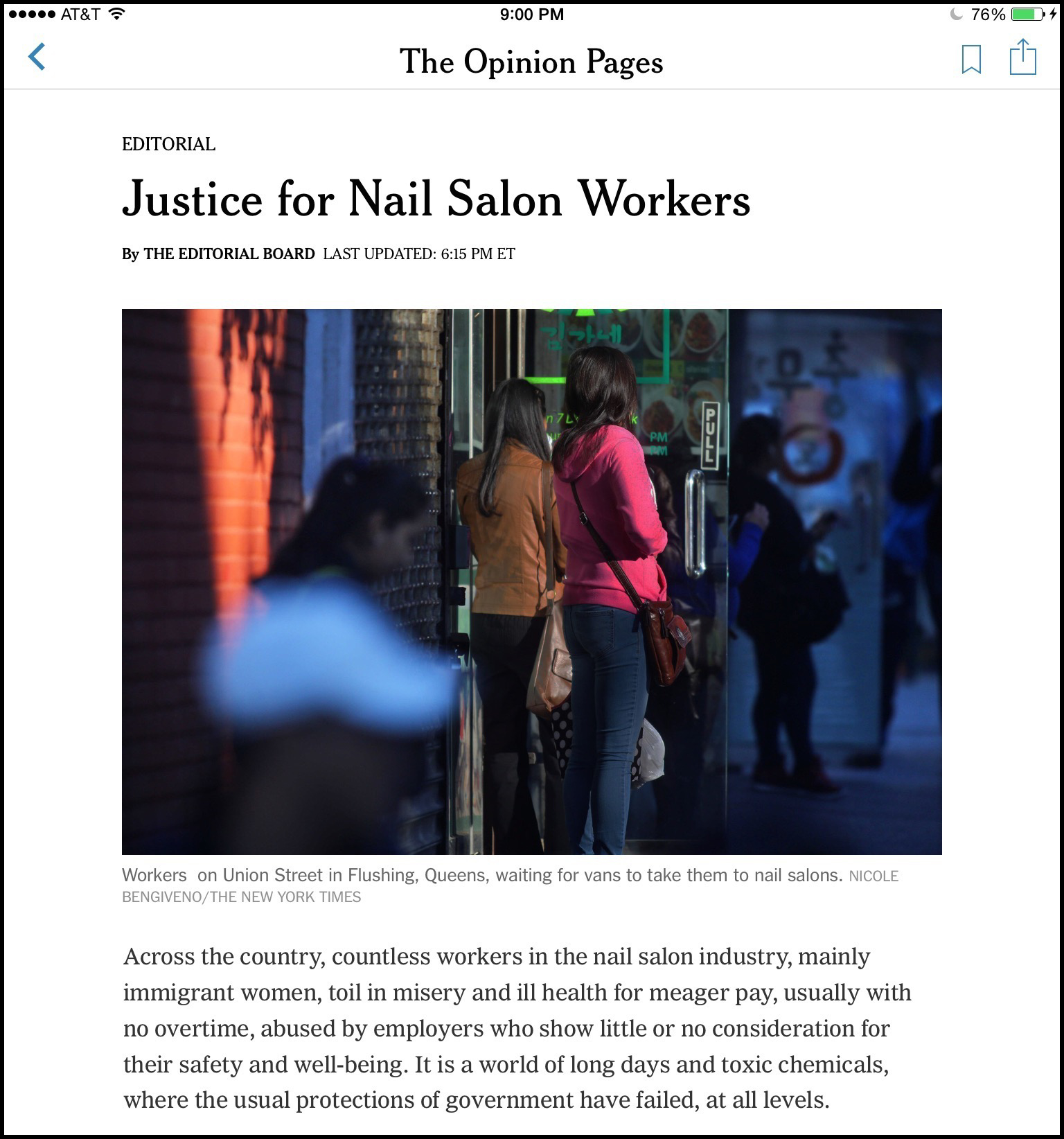
The ability to manipulate text on the iPad is a feature that got passed over in mainstream coverage when the tablet debuted. Many of the reviews tried to answer the question of whether the iPad could exist alongside a desktop/laptop and smartphone.
To me, this ignores a key selling point with the iPad: it is, quite simply, a revolutionary device for people with visual impairments and difficulties with mobility. A few months after the iPad debuted, The Times ran an article describing how the iPad had allowed a child with motor-neuron disease to communicate with his family.
Over the years, Owen’s parents had tried several computerized communications contraptions to give him an escape from his disability, but the iPad was the first that worked on the first try. - IPad Opens World to a Disabled Boy
The elderly is another group with whom the iPad has been successful. Apple’s touch interface, clear display, and one-app-at-a-time simplicity has made it successful with older generations. In short, tablets aren’t intimidating in a way that computers are. Those who criticize the iPad because it isn’t a full-featured web browser, email client, and word processor are missing this point.
In addition, manipulating content on the iPad is easier for those with fine motor control issues than opening and flipping through a full-sized broadsheet newspaper.
To an extent, the success of The Times iPad app depends on the success of the iPad: if consumers can’t find room in their workflow for a tablet, it may not prove successful. But the tablet’s already made a big impact on these two niche communities, and can arguably be called a success on this axis.
“Leaning Back”

Since the birth of the personal computer, we have been hunched over, squinting at screens — great big terminals, laptop displays, tiny screens on PDAs. With the iPad, the screen has come to us as we lean back in ease. - David Carr, New York Times.
Carr’s intimation is clear: with the iPad, content comes to you. The device represents a tectonic shift in in how media is consumed, and one The Times seemed equal parts scared of and excited for. (“Is that a bridge to the future?” David Carr jokingly wonders aloud as he unwraps an iPad in the documentary Page One. “Oh wait, it’s a gallows!”) The image of Jobs in a plushy armchair using his iPad is indicative of this change — no longer is computer technology merely the stuff of desks, or work.
The twin concepts of “lean forward” and “lean back” were first discussed in the context of the Internet by Jakob Nielsen, who claimed that the Internet — where people “are engaged and want to go places and get things done” — is active in a way that TV viewers are passive.
The iPad is more of a “lean back” device because it so much better for consuming than it is for producing content. As early reviews noted, the iPad didn’t lend itself to typing. There was no reason anyone would buy a tablet to write the next Great American novel over a laptop or a desktop. But if someone was looking for a content consumption device, a tablet is perfect. As I’ve said above, The Times looks stunning on the iPad: the tablet isn’t just a different way of consuming the paper’s excellent journalism — it enhances the experience.
Part of the concept of “lean back” is also in use patterns. The last thing people who use computers ever want to do in the evening is spent more time at a desk looking at a screen, and in this sense curling up on the couch with a smaller-screened tablet doesn’t feel like work. It’s a more relaxed way of browsing.
“Leaning back” implies the opposite of tuned-in productivity. It carries connotations of taking stock, the opposite of fast movement and intensity.
La Presse Goes All In
The New York Times isn’t the only news organization putting significant time and energy into a tablet edition. Research has found that print media readership is lowest among young people, so it makes sense to aggressively target the digital-first (or, increasingly, digital-only) audiences to sustain the paper’s future.

In April 2013, Montreal daily La Presse made a massive investment in its free tablet edition. This later encouraged The Toronto Star to partner with Le Presse to do away with its paid model and introduce a similar product, in the hopes that ad revenue will sustain the business.
We’ve made a bet on a new medium, a new way to tell stories,” [Guy Crevier, president and publisher of La Presse] said. “We’ve taken so much time over the last two and a half years to test so many dimensions of the storytelling…that it would be a surprise to us if this doesn’t succeed. - La Presse believes it has winning formula with launch of digital paper, April 2010.
The move went against the grain. As newspaper in the U.S. were contemplating layoffs, La Presse beefed up their newsroom by hiring 100 staff, including journalists and page designers. Digital ads have always been less profitable than print ads, but Guy Crevier, president and publisher of La Presse, said in interviews that since traditional paywall models haven’t been successful at attracting younger readers, La Presse had to try something new. (The paper had already dropped its Sunday print edition in 2009.)
[Toronto] Star publisher John Cruickshank said on a conference call that he was impressed with La Presse’s “real success in establishing deep engagement with a younger audience” through the tablet edition. - Toronto Star to scrap paywall, launch free tablet edition. November, 2014.
The app also goes one step further than The Times in designing an immersive app experience. While the Times has done an excellent job reformatting its content for tablet devices, La Presse+ has given a glossy magazine feel to its design.
La Presse+ has been largely successful: the app has 450,000 installs and more than 58 per cent of its readers are in the 25-to-54 age range.
There is no evidence that The Times has plans to make their tablet edition free beyond the 10 free articles a month. Part of this is the paper’s reluctance to move too quickly: the NYT’s long and distinguished history breeds a certain hesitance about gambling the brand the way La Presse did. For now, the Times strategy calls for converting casual users to digital subscribers and growing revenue through native advertising, while maintaining print revenues as long as it can.
Competitors

How Do You Like Your News in the Morning?
The iPad news category in the App Store can be stratified in a couple of different ways: some people are very loyal to brands, and only read major news on CNN or Fox. Others prefer photo- or video-heavy news over text-based apps.
Others prefer not to be tied to a single brand or institution. For them, aggregation apps like Flipboard and Google News are perfect, allowing them to read content from several different news sources. Flipboard bills itself as “your personal magazine.” Users tell Flipboard about their interests; the app then pulls articles from around the web on chosen topics. The upside: many more sources and more personalization. The down: the upper limit of 10 free articles from The Times still stands.
Fundamentally, The Times wants to be a reader’s primary news source, and the paper is becoming increasingly agnostic as to the platform that competition plays out on. They want to be #1 with mobile-first customers and they want to be your iPad news app of choice. In this respect, their competitors in the app arena are the same as in their news arena: their close substitutes include the iPad versions of the Washington Post, the Wall Street Journal, and other iPad news apps such as MSNBC and CNN.
Compared with some other news apps for the iPad, The Times follows the same strategy as their print edition: remaining text-heavy. Other apps, such as The Washington Post, use images more heavily.
- The Wall Street Journal’s app brings the paper to the tablet and adds content from their European and Asian editions.
- The Washington Post brings their content to the iPad, with an emphasis on full-screen image galleries.
- BBC’s news app is image heavy in the browsing sections, and includes articles in Spanish and Arabic.
- Guardian’s app is a simple enough repackaging of their existing content.
- USA Today allows for customization depending on how image-heavy you want your browsing experience to be.
- NPR’s app brings more audio and video content than most of the other outlets, with an integrated media player at the foot of some articles.
The Washington Post, owned by Amazon founder and CEO Jeff Bezos, also has an app exclusive to the Kindle Fire, Amazon’s flagship tablet. This sort of hardware-journalism symbiosis is also competition The Times is up against.
The iPad also competes against the NYT Now app, and the mobile browser experience. The in-app reading experience is much more solid than the browser, and how much readers use the smartphone apps versus the larger tablet apps depends on use cases. NYT Now is a stellar app to have on the subway each morning, reading the morning briefing.
What It Does Right
- Brings comprehensive Times coverage to your iPad.
- Rich, immersive reading experience.
- Excellent platform for the elderly, disabled.
- Interacts well with existing iPad accessibility features.
What It Does Wrong
- Video feels underutilized.
- Photos and graphics can be slow to load on weak Internet connections.
- iPad is a reading device, not one for enhancing productivity.
- Selecting a sentence or segment to share isn’t easy. If a reader wants to tweet or email a specific quote and link to the article, they have to manually copy and paste it. Other sites, such as Medium, allow this.
Key Links
- NYT Ipad app
- FAQ for the New York Times iPad app
- Apple’s iPad announcement
- Tech Crunch: The New York Times Introduces An iPad App
- Forbes: The iPad will absolutely save journalism, unless it doesn’t
- The Verge, New York Times brings print edition to tablets and computers with Today’s Paper web app
- App Picker, NYTimes for iPad App Review
- Fagstein, Can La Presse Save the Newspaper Industry by Doing Everything Wrong?
- Poynter, Are Tablets a Lean-back or Lean-forward Experience?

